Where Winds Meet's PC performance Wing Chuns itself with technical and presentational problems
Whoops-xia
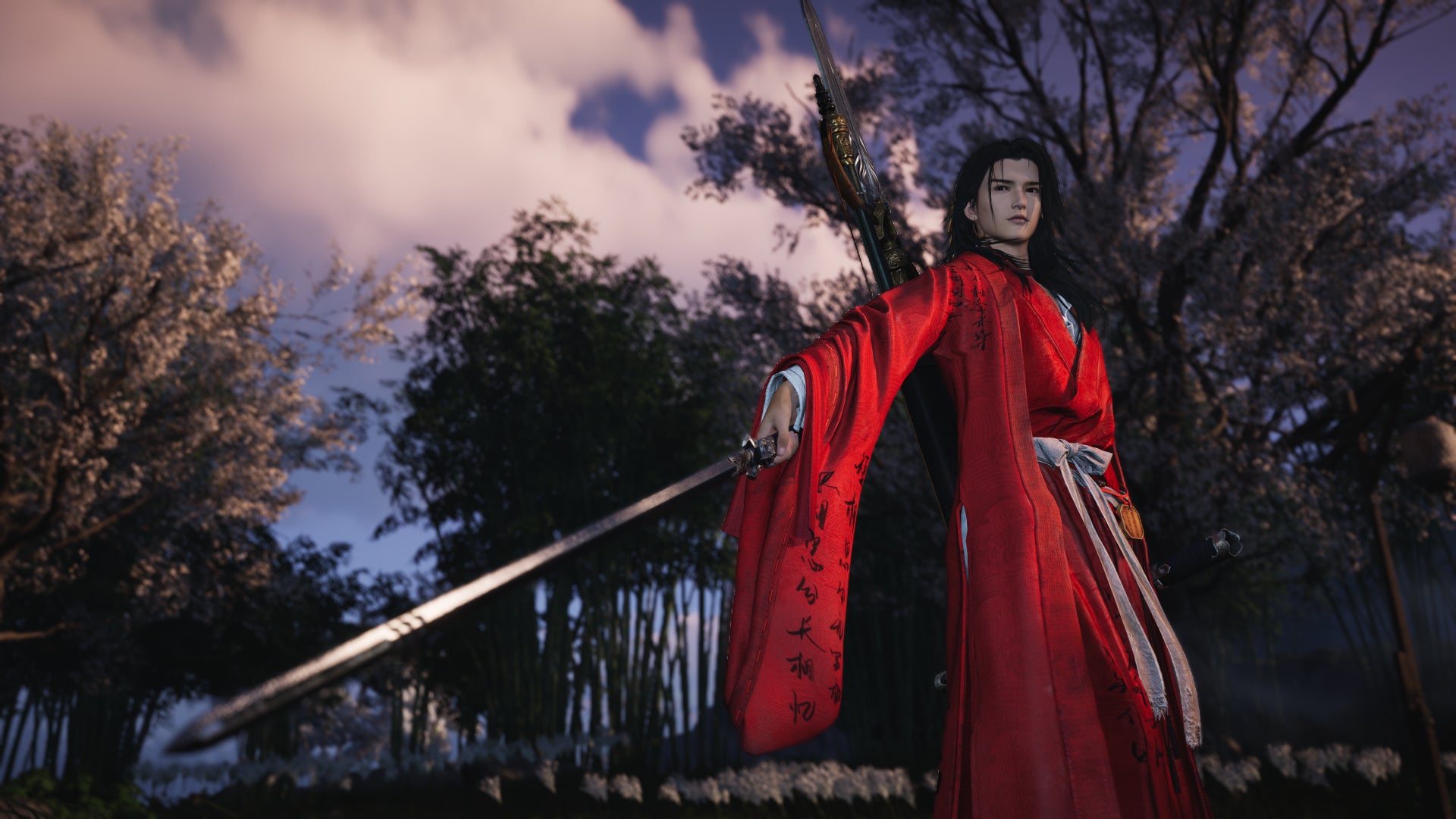

Not for the first time, there’s a new, wuxia-inspired RPG whose technical fortitude shatters faster than a bandit’s teeth. A few hours into the F2P, bear-brawling Where Winds Meet, it does at least seem to be arriving on Western PCs (it’s been out in China for nearly a year) in better overall shape than Wuchang: Fallen Feathers did. Even so, it’s beset by performance hitches and even basic visual nuisances, ranging from iffy translations to unplayable stuttering.
It's not all sad news. Where Winds Meet can hit high framerates on cheap or old graphics cards, possibly a positive side-effect of it also having a Genshin Impact-style mobile version, while its PC credentials are evident in its full mouse/keyboard support and a settings menu that decently covers DLSS or FSR upscaling and frame gen. For a game that’s been live and kicking overseas since December 2024, though, I wasn’t expecting to see so much of what would typically be day-one blues.
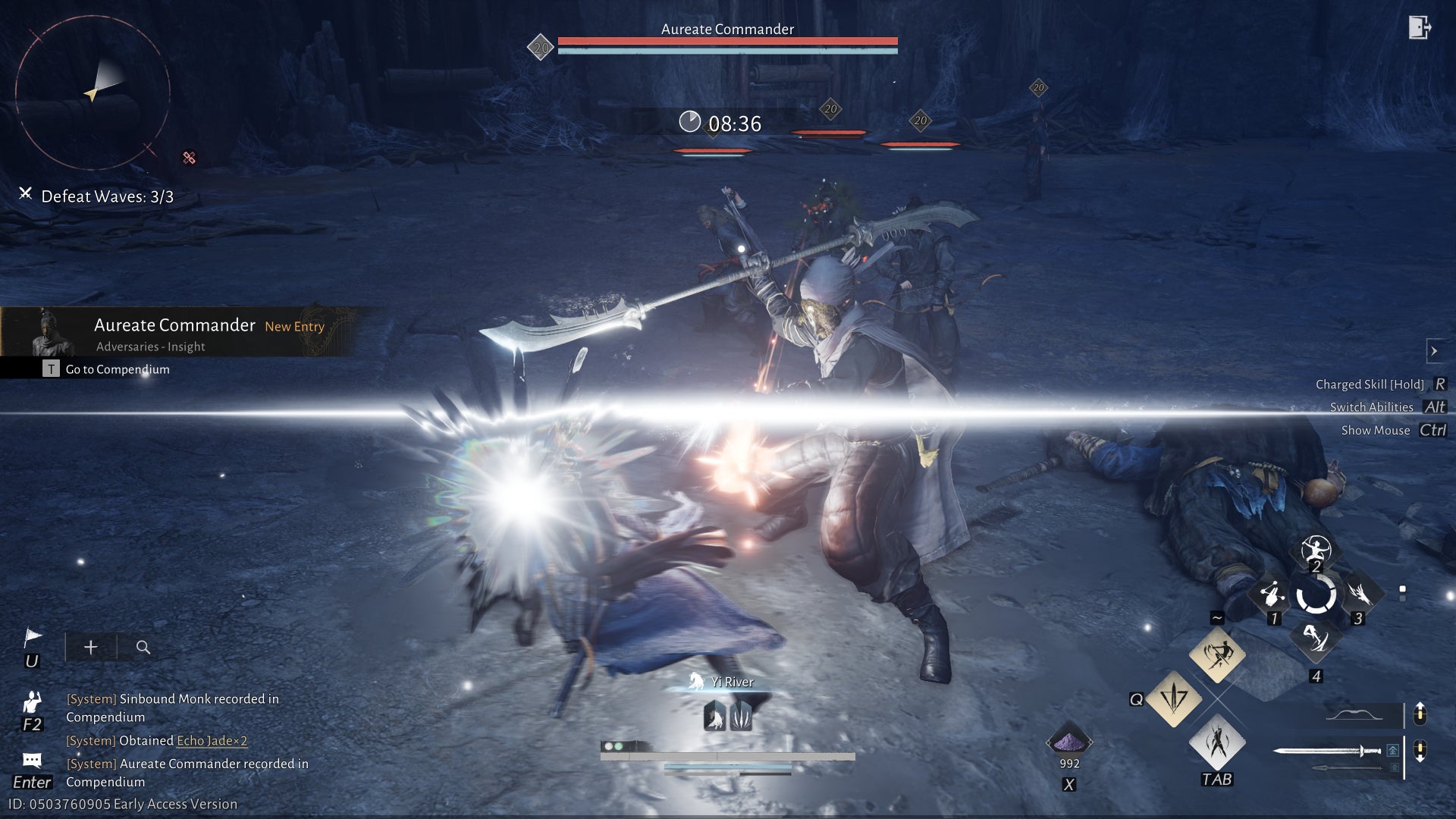
Where Winds Meet system requirements and PC performance
This is a chunky game – the official specs list a 100GB storage requirement (ideally on an SSD, and the 'Standard' version I tested asked for 110GB at the time of installation. The same installer offered a "Lite" version for 68GB, though it’ll more closely resemble the visually pared-back mobile version, and I therefore look down on it as I ride past in my PC carriage.
Not that this has stopped the minimum specs list from naming 60GB (not 68GB) as the storage cost of entry, and to make things even stranger, the requirements on the game’s website differ from those on its Steam page. I’m reproducing the former below, on the grounds that they’re from more of a primary source.
Where Winds Meet minimum PC specs
- OS: Windows 10 / 11
- CPU: Intel Core i7-4770K / AMD Ryzen 5 2400G or equivalent
- GPU: Nvidia GeForce GTX 750 Ti / AMD Radeon RX 550 / Intel Arc A380 or equivalent
- RAM: 8GB
- Storage: 60GB HDD space, SSD recommended
Where Winds Meet recommended PC specs
- OS: Windows 10 / 11
- CPU: Intel Core i7-10700 / AMD Ryzen 7 3700X or equivalent
- GPU: Nvidia GeForce RTX 2070 Super / AMD Radeon RX 6700 XT / Intel Arc A750 or equivalent
- RAM: 32GB
- Storage: 100GB SSD space
Where Winds Meet high PC specs
- OS: Windows 10 / 11
- CPU: Intel Core i7-12700K / AMD Ryzen 9 5950X or equivalent
- GPU: Nvidia GeForce RTX 3080 / AMD Radeon RX 6800 XT or equivalent
- RAM: 32GB
- Storage: 100GB SSD space
32GB of RAM also sounds a little high, though to honest, most of my nitpicking grumpiness around these specifications is washed away by the soothing sight of those GPU requirements. Genuine, honest-to-god budget cards listed as minimums? The humble Arc A750, ascending to the glittering heights of the recommended tier? It’s beautiful. Sensible, reasonable system requirements, just living in the moment. After games began having the gall to ask for an RTX 2060 as a starting point, I sometimes feared I’d never see their like again.
In practice, too, Where Winds Meet shows a welcome willingness to run on basic kit, even without resorting to the DX11-only mode. The minimum-listed GPUs are in fact so minimal that I’ve neglected to own any of them. But, while borrowing the GTX 1060 from those mystery Steam-posted requirements, the Performance preset – on native 1080p – let me whizz my magic swordsman around a particularly detail-heavy village at a comfortable 50fps average. Enabling FSR upscaling at its fairly sharp 70% setting pushed that up to 64fps, and upping to the Balanced preset (while keeping FSR) only brought performance down to a usable 45fps.
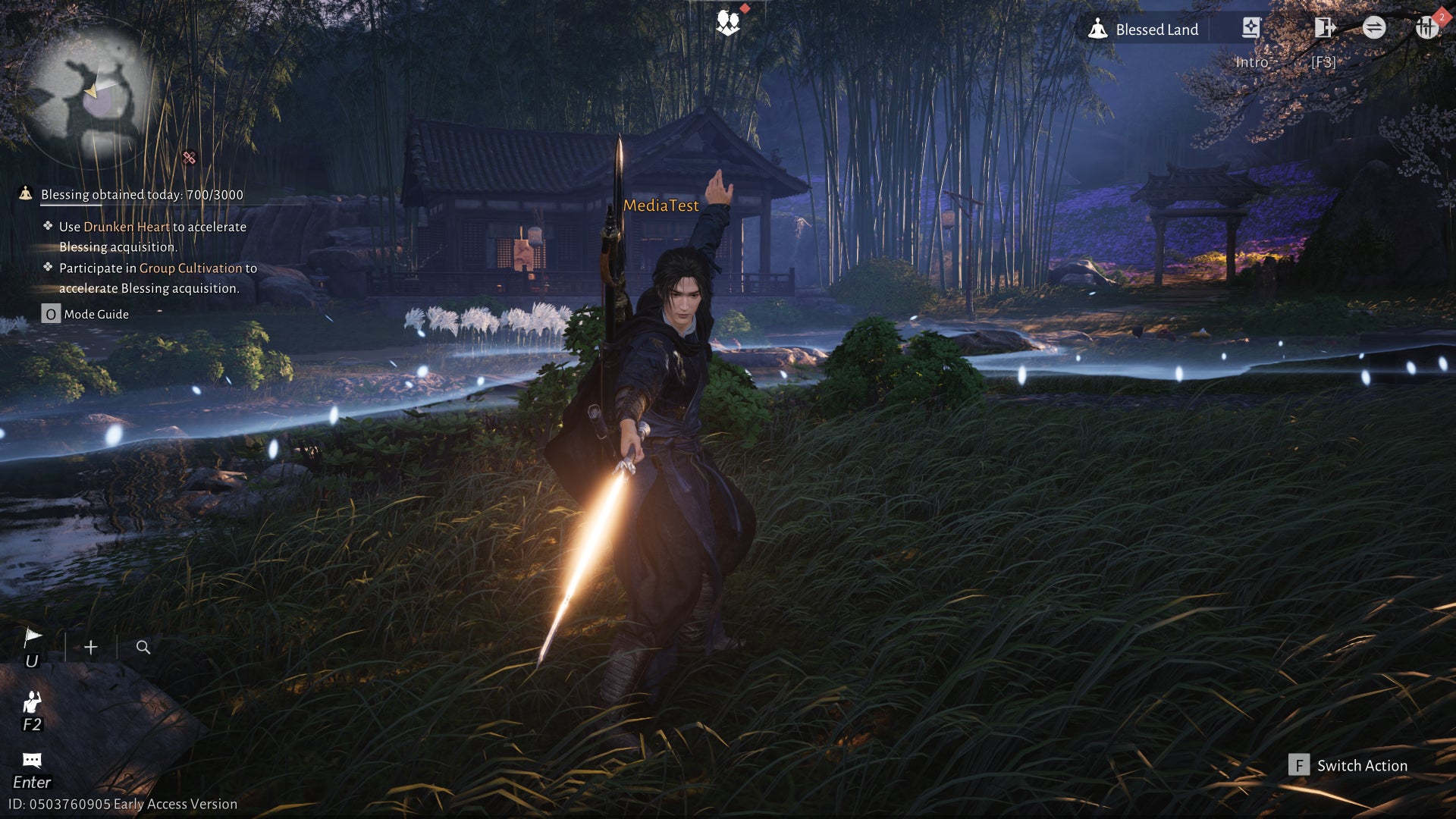
There are, again, tech problems going on that framerate counts won’t capture, and we’ll get to those shortly. But Where Winds Meet is also unusual in a much more agreeable way: it is weirdly, almost suspiciously fast on Intel graphics cards. The Arc A750 sped to 80fps at 1080p with the Quality preset, no upscaling required, and even on Ultra, that merely dipped to 70fps. The newer Arc B580 managed 90fps at 1080p/Ultra, and even secured a nice 65fps average with the same preset at native 1440p.
Next to Nvidia’s RTX 4060, which usually trades punches with the Arc B580, it’s a clear advantage to Intel: the 4060 ain’t slow, scoring 64fps at 1080p/Ultra, but it needed DLSS on Quality mode to average 66fps at 1440p, only narrowly beating the B580’s un-upscaled result. I checked around to see if there was some kind of extra ray tracing setting that was enabled on Nvidia’s card but not Intel’s, or whether the latter was mistakenly running in DX11 rather than DX12, but as far as I can tell, Where Winds Meet just seems to have a natural affinity for Arc hardware. And y’know what, fair enough – few games do.
That said, the RTX 4060 could also engage DLSS frame gen, rising from 66fps to 97fps at 1440p. It’s a respectable implementation, even if it does look to be DLSS 3 instead of the newer DLSS 4; I wasn’t offered the latest version’s Multi Frame Generation on RTX 50 GPUs. Speaking of which, the entry-level RTX 5050 could handle Where Winds Meet just fine, averaging 65fps on Ultra quality when running at native 1080p and 66fps – dead even with the RTX 4060 – on a DLSS-upscaled 1440p. That, subsequently, became 95fps with frame gen. And while you wouldn’t strictly need such a powerful GPU for Ultra-quality 4K, the RTX 5080 is a strong match for it, pumping out 116fps on this tricky resolution with Quality DLSS and 189fps with added frame gen.
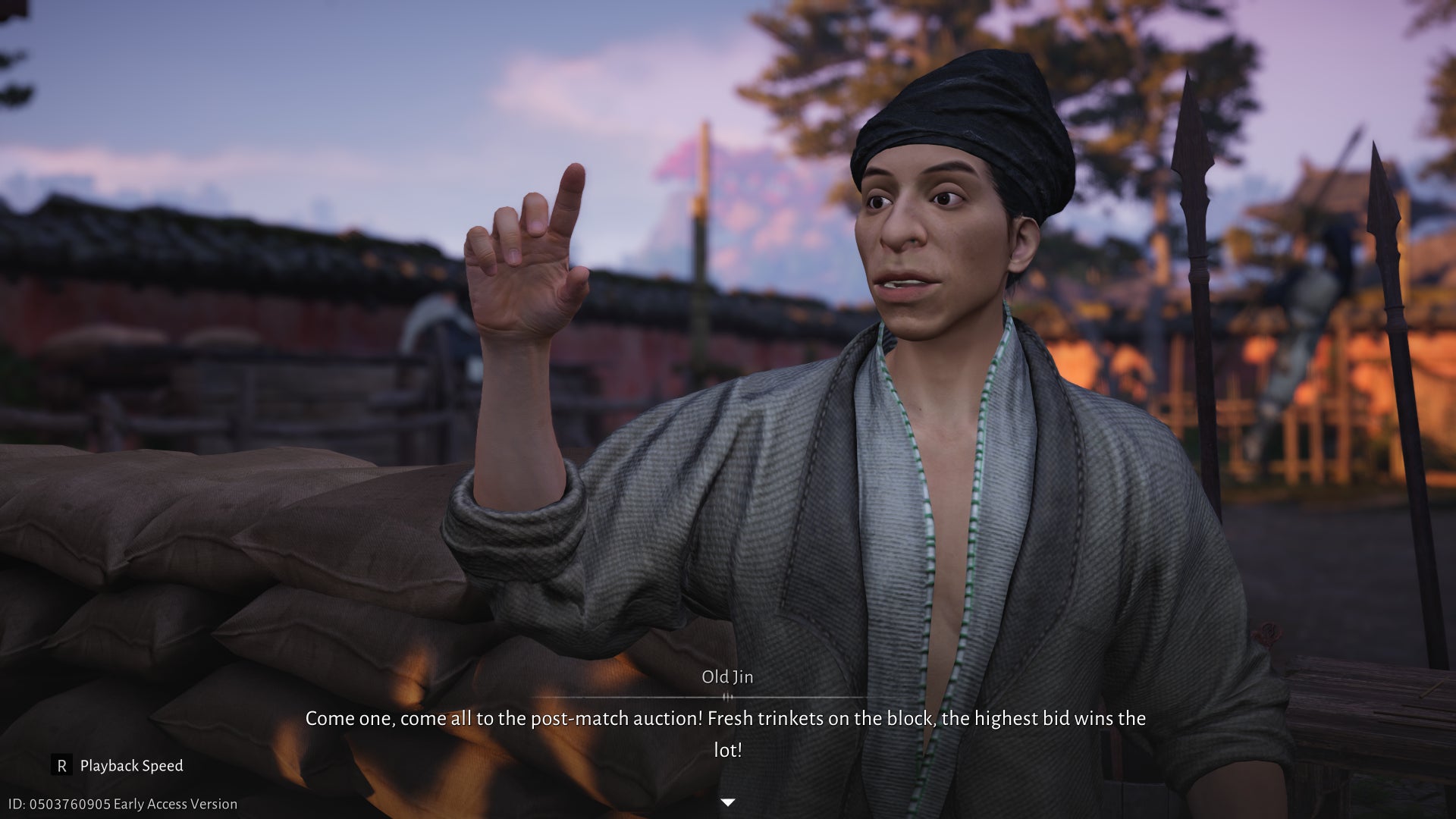
So far, then, Where Winds Meet is a nimble-running, well-equipped PC game that opens its doors to those on less extravagant rigs. So why all that moaning above?
For one: these benchmark results look good, but they weren’t always easy to collect. On multiple runs, across various GPUs (including those precious Arcs), the game began stuttering so severely that I had to abandon the recording and start over. If you’re lucky you might just get away with the occasional spot of traversal stutter, but I’ve seen Where Winds Meet stumble so hard that it appeared to be in the midst of a full-on crash. The lack of a clear trigger for these moments only adds to their capacity to frustrate, as there’s no reliable setting to lower or disable that might stop them.
Frame generation also only works if you’re using the DLSS flavour. FSR upscaling is fine if you’re on non-RTX hardware, but its version of frame gen looks and runs atrociously, with crunchy, jarring frame-to-frame transitions of a sort I’ve rarely seen since FSR 3 first launched back in 2023. It also lacks an equivalent input lag compensator to Nvidia’s Reflex system, so inputs and camera movements feel extra-sluggish too.
Yet even when Where Winds Meet is running well, it still undermines itself with numerous counts of sloppy presentation and unfixed visual bugs. The amount (and variety) of pop-in is especially egregious: even on Ultra settings, scenery and, in a lot of cases, people will blip into existence mere metres in front of you. On one occasion I entered a tea house and was met by the sudden apparition of a lady in white, like the vengeful spirit of someone who’d drank a poisoned oolong one hundred years ago that night.
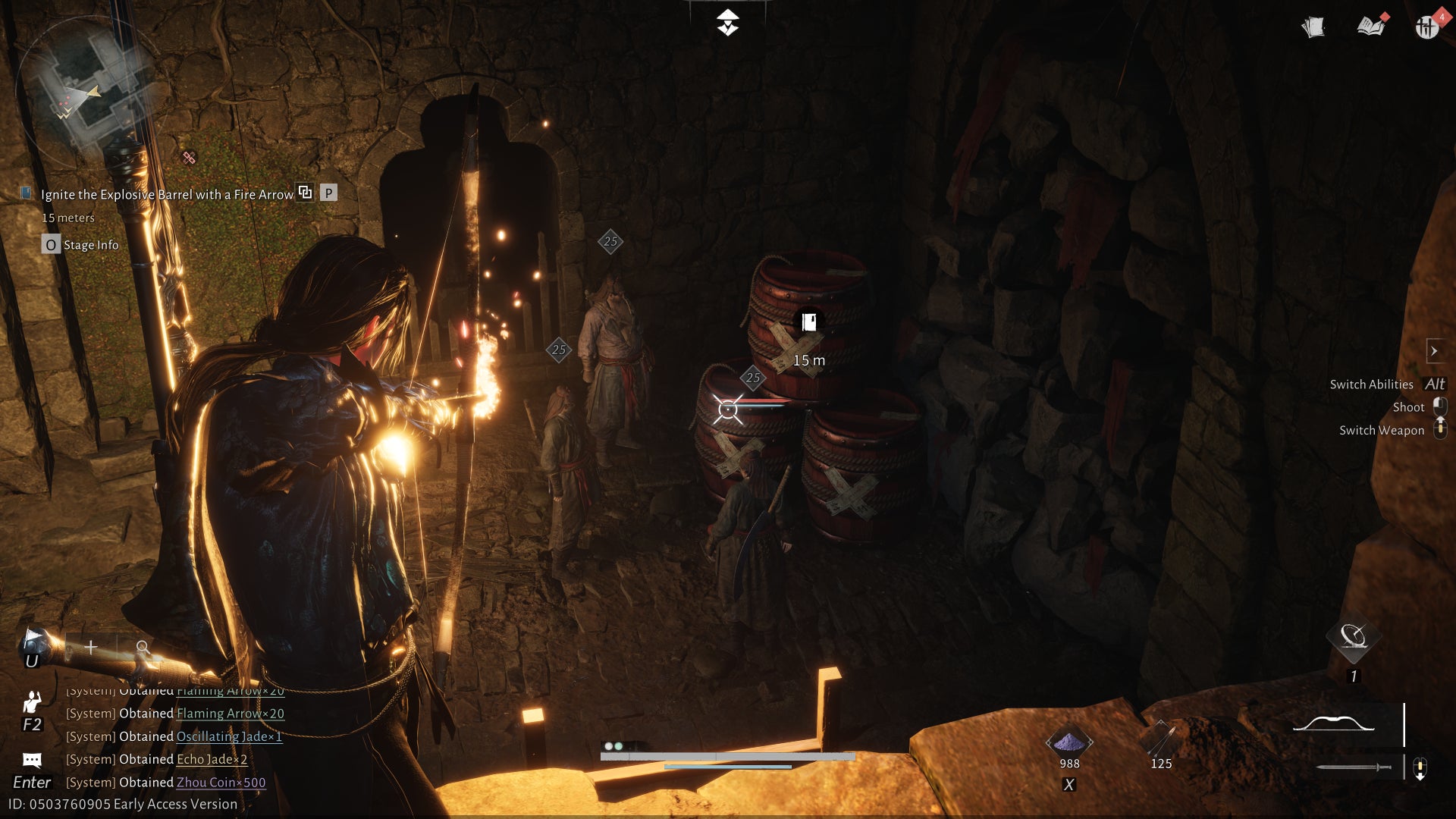
There’s also the occasional ropey effect, or questionable character modelling work. Some of the former wouldn't look out of place in Minecraft: burnable obstacles, like vines and ropes, vanish in a jerking, almost comically unpolished transition between distinct Slightly On Fire, Very On Fire, and Combusted Into Nonexistence states.
The point of these performance analyses is not and never has been to argue for photorealism, but if you want your game to look conventionally pretty in a modern, AAA way – as Where Winds Meet clearly does, most of the time – it should at least be consistent in its production values. It also needs, more urgently, to fix some of its outright broken localisation: I’ve opened at least a couple of dialogue boxes, while playing English, that defaulted back to Chinese. Actually, during an ultimately failed attempt to install the game’s launcher on a Steam Deck, I accidentally closed the installer, re-opened it, and found the whole thing back in Chinese.
(* I don’t want to declare too much about how or if Where Winds Meet runs on the Deck, as I was ultimately thwarted for good by the launcher mistakenly underestimating the amount of free SSD space I had left, blocking a full installation. The game is available on Steam, which in theory should make things a whole lot easier than going the standalone launcher route, though I don’t have a Steam copy and still haven’t tested performance or whether the multiplayer anti-cheat plays nice with SteamOS. I’ll check post-launch and report back.)

Where Winds Meet best settings guide
Fair warning: this is going to be one of less useful settings guides on RPS, partly because little about the settings helps to solve the aforementioned problems, and partly because in simple framerate terms, anything with more computing power than your nan’s crossword solver is going to run it at least adequately.
Then again, making individual changes to the defaults is worth doing, even if you’re otherwise happy to blast off on the Ultra preset. I actually think, for example, that the next-step-down Quality setting for reflections looks better than Ultra’s, as per these screenshots of the four presets in action:

To its credit, Where Winds Meet also isn't one of those games where high and low settings all perform more or less the same. On the RTX 4060, which I used to benchmark the effect of lowering each quality setting individually, the Ultra preset averaged 64fps at 1080p, Quality 79fps, Balanced 90fps, and Performance 108fps – all before even taking into account the effect of boosting tricks like the upscalers.
All the same, when most PCs will be able to run the higher settings without chugging (the sustained type, anyway), it’s fine to leave the less impactful options turned off while tactically cutting those with the biggest frame bounties. With that in mind, here’s the setup I’d aim for:
- Motion blur: Off
- Super resolution type: DLSS (or FSR if DLSS not supported) on Quality
- Tessellation: Low
- Vegetation quality: Medium
- Reflection quality: Medium
- Everything else: Ultra preset equivalent
Tessellation and vegetation quality were by far the biggest FPS hogs in my RTX 4060 testing, and while trees and bushes looked a little too scraggly on Low – thus, the Medium pick – tessellation can be safely cranked down with minimal visual loss. Reflections gave a few extra fames as well, and I still prefer how Medium looks to the peculiar haziness of Ultra. All told, these settings (including DLSS) got the 4060 averaging 84fps: still short of the Balanced preset at native resolution, but better-looking overall, and noticeably slicker if your monitor’s refresh rate goes beyond 60Hz.
Feel free to add DLSS frame generation if you want, and are able; it’s likely only adding eye-candy smoothness to a framerate that’s already quite high, but then its latency drawbacks are far less apparent in that scenario than if you were to use it to fudge the numbers of a low-performing game. Either way, that all applies to DLSS specifically. FSR upscaling should be shunned, shouted at, and driven out of town under a barrage of pelted stones. It really is that bad.